
How to Install HotPlayer on Firestick
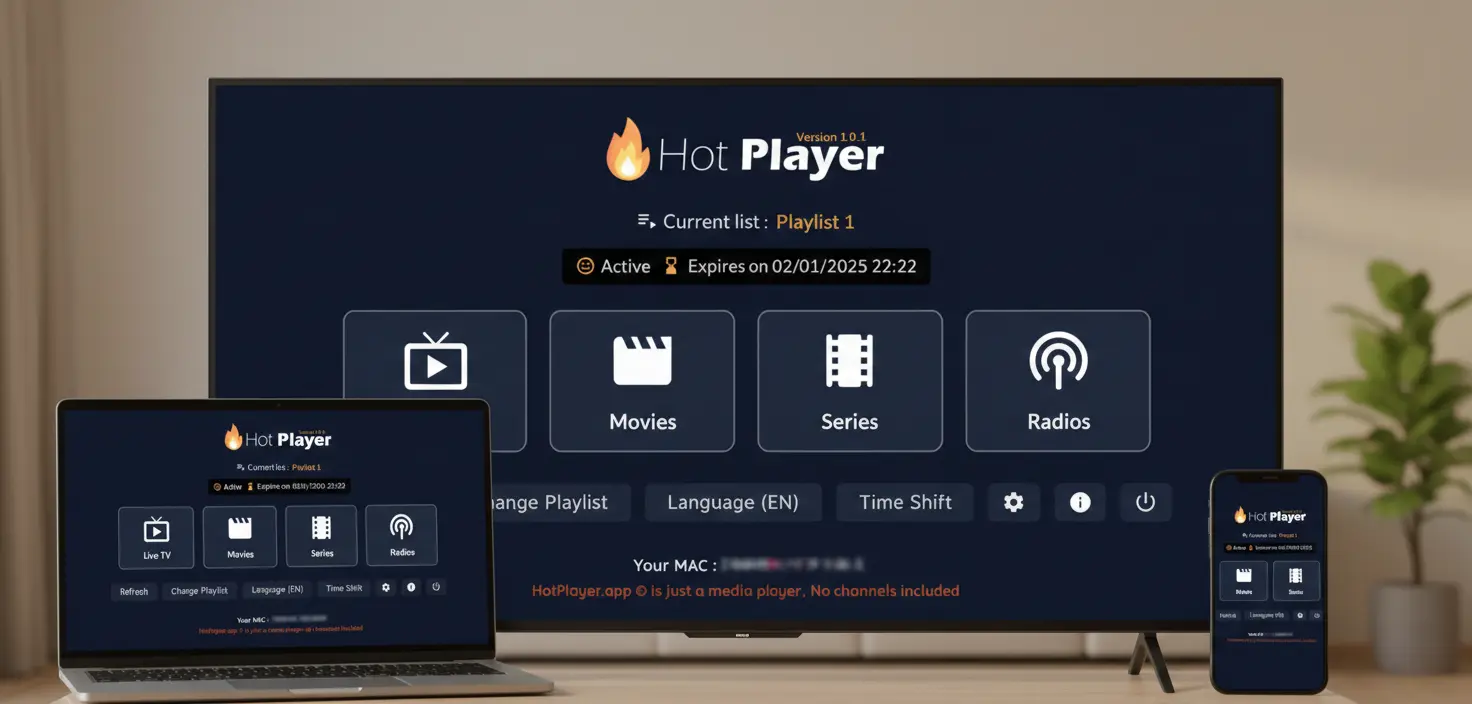
Amazon Firestick is the #1 device for IPTV streaming. Installing HotPlayer requires sideloading an APK since it's not in the Amazon Appstore. Don't worry—this guide makes it simple with the Downloader app method, getting you set up in under 10 minutes.
Important: App vs. Service
HotPlayer app is a free IPTV media player - it does NOT include, provide, or host any content.
HotPlayerPro (our service) provides IPTV playlist subscriptions with 40,000+ channels. You need BOTH the app AND a playlist subscription.
📋 What You Need
📺Hardware
- ✓Amazon Firestick/Fire TV (any model)
- ✓Stable internet (10+ Mbps for HD)
- ✓100 MB free storage
⚙️Software
- ✓Downloader app (from Amazon Appstore)
- ✓IPTV subscription (for playlist)
- ✓Updated Fire OS firmware
✨ Universal Guide: Works on all Firestick models (4K, 4K Max, Lite, Cube, Fire TV devices)
🔓 Step 1: Enable Unknown Sources
Firestick blocks third-party APKs by default. You need to enable Unknown Sources once (one-time setting).
Quick Steps
Open Settings
From home → Select Settings (gear icon)
Go to My Fire TV
Scroll down → Select "My Fire TV" (or "Device" on older models)
Developer Options
Select "Developer Options"
Enable Unknown Sources
Toggle ON "Apps from Unknown Sources" → Confirm "Turn On"
⚠️ Safety: This setting is safe when downloading from official sources like our HotPlayer APK. You can disable it after installation if preferred.
📥 Step 2: Download & Install HotPlayer APK
Use the free Downloader app to easily download and install the HotPlayer APK.
AInstall Downloader App
- 1. From Firestick home → Search "Downloader"
- 2. Select Downloader (by AFTVnews)
- 3. Click "Download" → Wait 30-60 sec → Open
BDownload HotPlayer APK
Open Downloader
Launch Downloader app from your apps list
Enter Download URL or Code
✅ Option A: Code (Easiest)
Enter code: 395800
Option B: Full URL
Type: https://apk.hotplayer.app
Download & Install
Press "Go" → Wait for download → Click "Install" → Done!
🚀 Pro Tip: After installation, delete the APK file in Downloader to free up storage space.
🎯 Step 3: Add Your Playlist
HotPlayer is installed, but you need an IPT playlist to watch content. Here's how:
Get Your Subscription
Subscribe to our service → Receive M3U URL + credentials via email
Add Playlist to HotPlayer
Open HotPlayer → Go to Settings
Select "Add Playlist" → Choose method (M3U URL recommended)
Enter URL/credentials → Save → Wait 2-5 min for loading
🎉 Success! Once loaded, you'll have instant access to 40,000+ channels and 100,000+ VOD!
🔧 Quick Troubleshooting
Can't enable Unknown Sources
✓ Go to Settings → My Fire TV → About → Click "Fire TV Stick" 7 times to enable Developer Options
✓ Update Firestick firmware to latest version
✓ Restart Firestick (unplug 30 seconds)
Downloader won't download APK
✓ Verify URL is exactly: https://apk.hotplayer.app
✓ Check internet connection
✓ Clear Downloader cache in settings
✓ Update Downloader app
APK installation fails
✓ Ensure 100+ MB free storage
✓ Verify Unknown Sources is enabled
✓ Delete old APK and re-download
✓ Restart Firestick
App crashes or buffers
✓ Clear app cache: Settings → Applications → HotPlayer → Clear Cache
✓ Test internet speed (need 10+ Mbps)
✓ Use Ethernet adapter for stable connection
✓ Close other running apps
✓ Lower streaming quality in settings
💬 Need Help?
- • Email: support@hotplayerpro.org
- • FAQ: Visit FAQ page
- • Contact: Contact form
Ready to Stream on Firestick?
Installation takes under 10 minutes. Enable Unknown Sources, download via Downloader, install, and add your playlist.
Access 40,000+ channels and 100,000+ VOD on your Fire TV!