
How to Install HotPlayer on iPhone & iPad
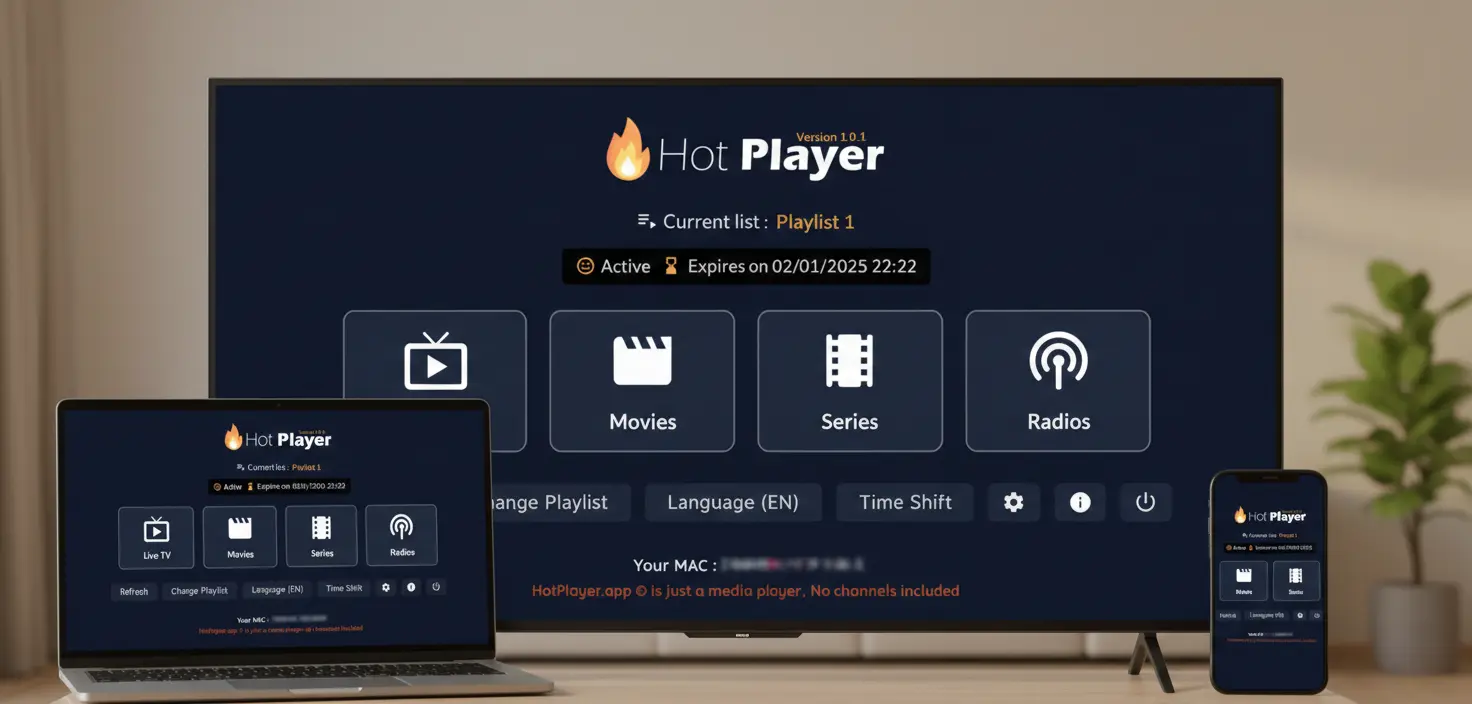
Installing HotPlayer on iPhone or iPad is the easiest method among all platforms. Since it's officially available on the App Store, there's no sideloading, no special settings, and no technical hassle. Just download, install, and you're ready to stream in under 2 minutes.
Important: App vs. Service
HotPlayer app is a free IPTV media player - it does NOT include, provide, or host any content. It's a player, like VLC.
HotPlayerPro (our service) provides IPTV playlist subscriptions with 40,000+ channels. You need BOTH the app AND a playlist subscription.
📋 What You Need
📱Device Requirements
- ✓iPhone (6s or later) or iPad (any model)
- ✓iOS/iPadOS 12.0 or later
- ✓100 MB free storage
- ✓Active Apple ID account
🌐For Streaming
- ✓Wi-Fi or cellular data connection
- ✓10+ Mbps for HD streaming
- ✓IPTV subscription (playlist credentials)
- ✓No jailbreak required!
✨ Great news: iOS installation is the simplest. Just download from the official App Store—no APK files, no special settings, no workarounds!
⚡ 2-Minute Installation Process
HotPlayer is available directly from the Apple App Store. No sideloading required—just download like any other app.
1Method 1: Direct App Store Link (Fastest)
Tap "Get"
Authenticate with Face ID, Touch ID, or password
Done!
App downloads and installs automatically (30-60 seconds)
2Method 2: Search in App Store
Open App Store on your device
Tap Search tab → Type "HotPlayer"
Find official HotPlayer app → Tap "Get"
⚠️ Security: ONLY download from the official App Store. Never use third-party websites or sources to ensure you get the legitimate, secure version.
📺 Add Your IPTV Playlist
After installing HotPlayer, you'll need to add your IPTV playlist to access content. Here's the quick process:
Step 1: Get Your Playlist
Subscribe to our IPTV service to receive playlist credentials (M3U URL, username, password).
Step 2: Add to HotPlayer (Choose One Method)
RECOMMENDEDM3U URL Method
1. Open HotPlayer → Settings → Add Playlist
2. Select "Add URL" or "M3U URL"
3. Paste playlist URL from email → Save
4. Wait 1-3 minutes for playlist to load
✓ Auto-updates when provider adds new channels
M3U File Upload
1. Download .m3u file from email to Files app
2. Open HotPlayer → Settings → Import File
3. Browse to file location → Select .m3u file
4. Grant Files access → Wait for import
Xtream Codes API
1. Open HotPlayer → Settings → Xtream Codes
2. Enter Server URL, Username, Password
3. Tap "Test Connection" → Save
✓ Fastest loading & best EPG support
Once your playlist loads, you'll have instant access to 40,000+ live channels and 100,000+ VOD titles on your iOS device!
📱 iPhone vs iPad Experience
HotPlayer works beautifully on both devices. Here's what to expect:
iPhone
- ✓Perfect for on-the-go streaming
- ✓Works on cellular data
- ✓Portable & personal viewing
- ✓Picture-in-Picture support
iPad
- ✓Larger screen = better viewing
- ✓Enhanced navigation & browsing
- ✓Great for family viewing
- ✓Split-screen multitasking
💡 Pro tip: Your subscription works on both! Install on iPhone for portability and iPad for home viewing (within your plan's device limit).
🔧 Quick Troubleshooting
Can't find HotPlayer in App Store
✓ Use direct link: App Store Link
✓ Search "HotPlayer" or "Hot Player" (with space)
✓ Update to iOS 12.0 or later
Download fails or stuck
✓ Check internet connection (Wi-Fi or cellular)
✓ Ensure 100+ MB free storage
✓ Restart App Store app
✓ Verify Apple ID is signed in
App crashes after install
✓ Update iOS to latest version
✓ Delete and reinstall from App Store
✓ Restart your device
✓ Check for app updates
Can't add playlist
✓ Grant Files access permission
✓ Verify playlist URL is complete
✓ Check internet connection
✓ Try a different method (URL vs File)
💬 Still Need Help?
- • Email: support@hotplayerpro.org
- • FAQ: Visit FAQ page
- • Contact: Contact form
Ready to Stream on iOS?
Installation takes less than 2 minutes. Download from the official App Store, add your playlist, and start enjoying premium IPTV.
Access 40,000+ channels and 100,000+ VOD on your iPhone or iPad!