
How to Add Playlist to HotPlayer
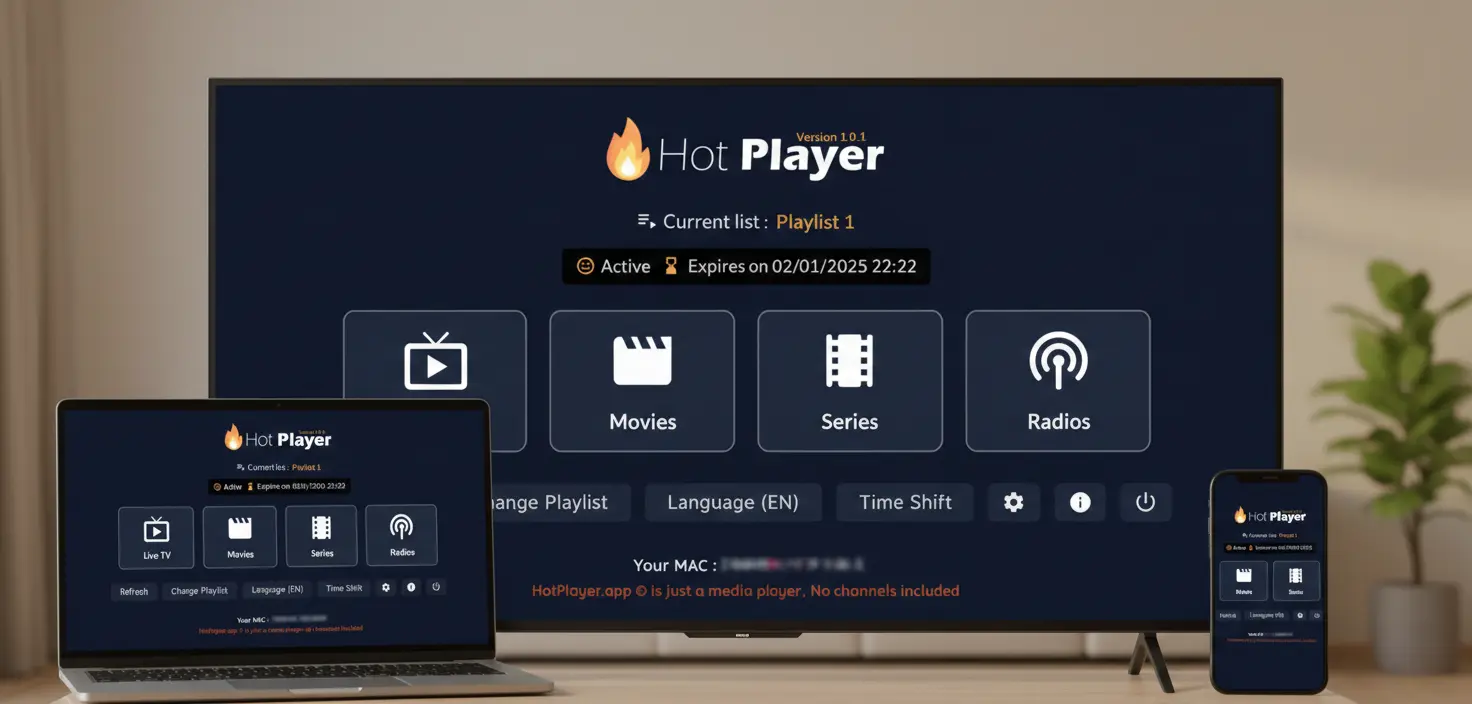
You've installed HotPlayer—great! Now here's the crucial next step: adding your IPTV playlist. Without a playlist, HotPlayer is just an empty shell. This guide shows you exactly how to connect your playlist in under 5 minutes using any of three simple methods.
Important: App vs. Service
HotPlayer app is a free IPTV media player - it does NOT include, provide, or host any content. It's like VLC Player for IPTV.
HotPlayerPro (our service) provides IPTV playlist subscriptions with 40,000+ channels. You need BOTH the app AND a playlist subscription to stream content.
📋 What You Need Before Starting
Required
- •HotPlayer app installed
- •Active IPTV subscription
- •Internet connection (10+ Mbps)
- •Playlist credentials (from email)
You'll Receive
- •M3U playlist URL
- •Username & password
- •Server URL (for Xtream Codes)
- •M3U file download link (optional)
Don't have a playlist? Start with our 24-hour free trial or view our packages.
🔄 3 Methods to Add Playlist
HotPlayer supports three different methods for adding playlists. Choose the one that works best for you:
M3U URL
Easiest & auto-updates
File Upload
Works offline
Xtream Codes
Fastest & best features
✅ Method 1: M3U URL (Recommended)
This is the simplest and most popular method. Just paste your playlist URL, and you're done. Plus, it auto-updates whenever your provider adds new channels.
1Step-by-Step Instructions
Open HotPlayer
Launch the app on your device
Go to Settings
Tap Settings → Playlist → Add Playlist
Select "Add URL"
Choose M3U URL or Playlist URL option
Paste Your URL
Copy the M3U URL from your subscription email and paste it
Save & Load
Tap Save. Wait 1-3 minutes for playlist to load.
✨ Why this method? Automatic updates. HotPlayer refreshes the playlist every time you open the app, so you always have the latest channels without re-uploading.
📁 Method 2: Upload M3U File
If your provider gives you a downloadable .m3u file, you can upload it directly. Good for offline access, but won't auto-update.
Quick Steps
Download the .m3u file from your subscription email to your device
Open HotPlayer → Settings → Playlist → Import File
Grant file access permission when prompted
Browse to Downloads folder, select the .m3u file, and confirm
Wait for import to complete (1-2 minutes)
⚠️ Limitation: M3U files are static. If your provider adds new channels, you'll need to download and re-upload the updated file.
⚡ Method 3: Xtream Codes API (Advanced)
The most advanced method with the best performance. Faster channel loading, automatic EPG updates, and better organization.
Setup Process
1Get Xtream Codes Credentials
Check your subscription email for:
Server URL
https://server.com
Username
Your unique username
Password
Your secure password
2Open Xtream Codes Settings
HotPlayer → Settings → Xtream Codes API
3Enter Credentials
Fill in Server URL, Username, and Password fields
4Test & Connect
Tap "Test Connection" → Wait for success → Save
🚀 Advantages: Faster loading, automatic EPG, better channel organization, and superior performance. Use this if your provider supports it!
🔍 Verify & Troubleshoot
✓ How to Verify Playlist Loaded
Check channel count: Go to Channels - you should see thousands of channels listed
Test playback: Select any channel - it should start streaming within 3-5 seconds
Browse categories: Navigate Sports, Movies, News - each should have content
Check VOD: Open Movies/Series section - you should see 100,000+ titles
⚠️ Common Issues & Fixes
Playlist won't load / shows error
✓ Verify internet connection is active
✓ Check entire URL was copied (no missing characters)
✓ Confirm username/password are correct
✓ Try a different method (URL vs. File vs. Xtream)
✓ Clear app cache and retry
Shows "0 channels" after loading
✓ Wait 2-3 minutes (large playlists take time)
✓ Verify subscription is active (not expired)
✓ Delete and re-add the playlist
✓ Contact support - possibly subscription issue
Channels load but won't play
✓ Test internet speed (need 10+ Mbps for HD)
✓ Try a different channel (some may be offline)
✓ Lower streaming quality in settings
✓ Switch from WiFi to Ethernet if possible
✓ Restart HotPlayer app
💬 Need Help?
Our 24/7 support team can help with playlist configuration:
- • Email: support@hotplayerpro.org
- • FAQ: Visit our FAQ page
- • Contact: Contact form
Start Streaming Now!
You now know all three methods to add playlists to HotPlayer. The entire process takes less than 5 minutes.
Ready to access 40,000+ channels and 100,000+ VOD? Get your playlist today!